Paint.NET
Introduction
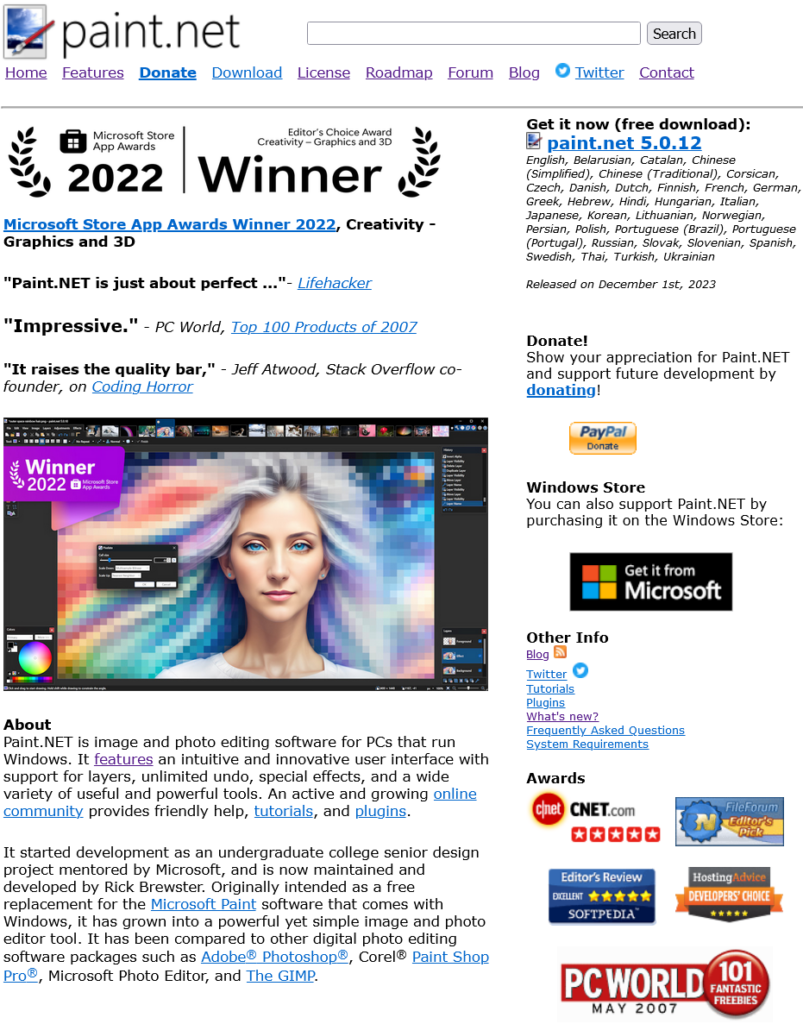
Paint.NET is a piece of free photo editing software. In this document, I will conduct a formal review of the program. I aim to produce a comprehensive critical review of the tool, considering its functionality, advantages and disadvantages. I will also compare it against available alternatives.
Development
Paint.NET was originally the senior design project of Rick Brewster, an undergraduate Computer Science student at Washington University, coded in 2004 and intended to extend the functionality of Microsoft Paint. (getpaint.net, 2024) What began as an investment of 15 weeks and 36,000 lines of code has grown to incorporate over 160,000 in the years since. (kexugit, 2021) In this time, the application has blossomed into a powerful, versatile and arguably essential tool for the casually creative user.
Open source?
Until 2007, Paint.NET was an open-source application, with the source code being readily available to users with every release. However, due to plagiarism (its rebranding by a bad actor), all versions since have been closed. (Brewer, 2017) The software remains extensible via community-created plugins and add-ons.
Scholarly Presence
Paint.NET has been used extensively in scholarly work across a range of fields of research. It has found utility in digital art and design (Khaldoun, 2006), the analysis of peripheral nerves for microsurgery (Tobin, 2013), AI, machine learning and facial recognition, (Wang, 2019) and the editing of photos on social media (Joshi, 2019).
Accessibility
Paint.NET can be downloaded for free from getpaint.net, with donations optional via Paypal. Users can collaborate or ask and answer questions on forums.getpaint.net, a forum with over 40,000 users. A blog features patch notes and updates on development of the software, and you can directly contact the creators via email or social media to make suggestions and report bugs. It lacks a comprehensive documentation, instead relying on forum posts and tutorials for instructional information.
LicensingThe application has 2 variants, the free version from getpaint.net, and a paid version that can be obtained from the Microsoft store. All versions of the program can be used in all contexts: personal, educational or commercial. Restrictions only exist on modifying the fundamentals of the software or attempting to sell it. (getpaint.net, 2024)
Justification
A competent photo editor is invaluable for image analysis, content creation and presenting research. It is a tool that can help to visualize problems and formulate solutions. In the Digital Humanities, they can facilitate web development and educational resources like mindmaps. As well as this, a significant proportion of image material exists in online archives; thus, a tool with the featureset to handle and manipulate this information is crucial.
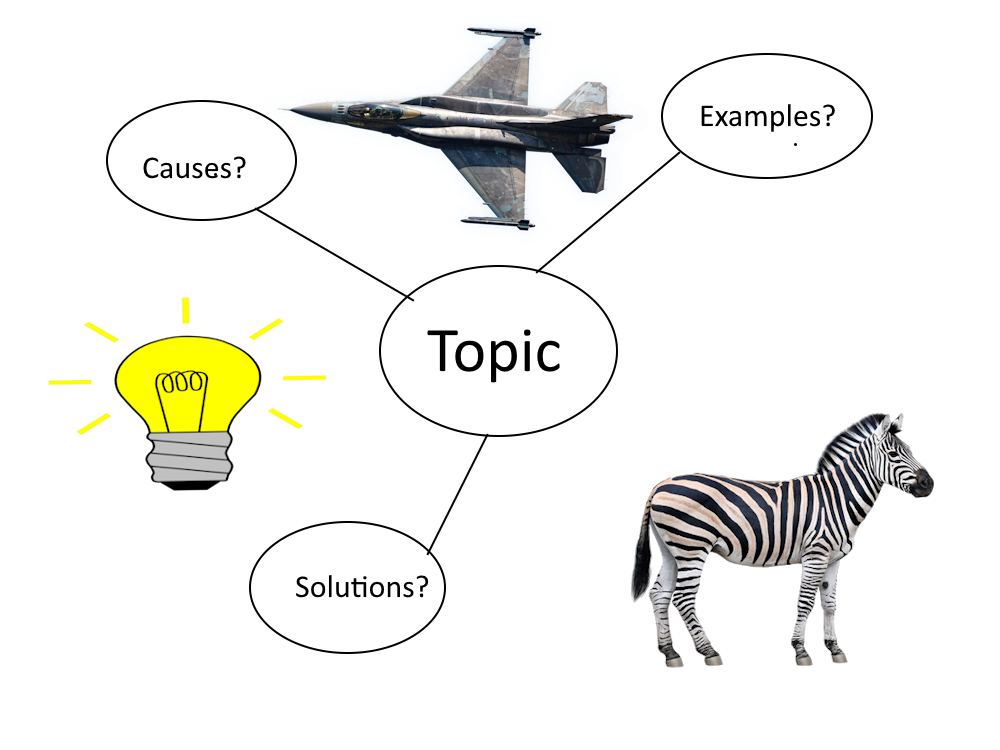
A simple mindmap, made in Paint.NET
Functionality
A simple and easy-to-use but powerful image editing tool, Paint.NET has an abundance of features that cater to multiple needs. For formatting, images can be resized, changing the pixel count and aspect ratio. This allows otherwise unsuitable files to be adapted for presentations or downscaled to fit in limited screen real estate. Layering mechanics allow users to adjust individual facets of images on different levels and affect dynamics like depth and transparency, often critical components of composite works.
Likewise, colour theory conscious users will appreciate the array of visual effects, filters and adjustments on hand. Metrics like hue and saturation can be changed and artistic anomalies and distortions can be rendered on linear dials. If, for example, you need to enhance the brightness, colours or readability of a digitized physical document, you will be well placed to do so using the tools available to you within paint.NET. In addition, the application can handle and export all key image file types, including the increasingly common web-based Webp format, which is key for web developers.
Ease of use
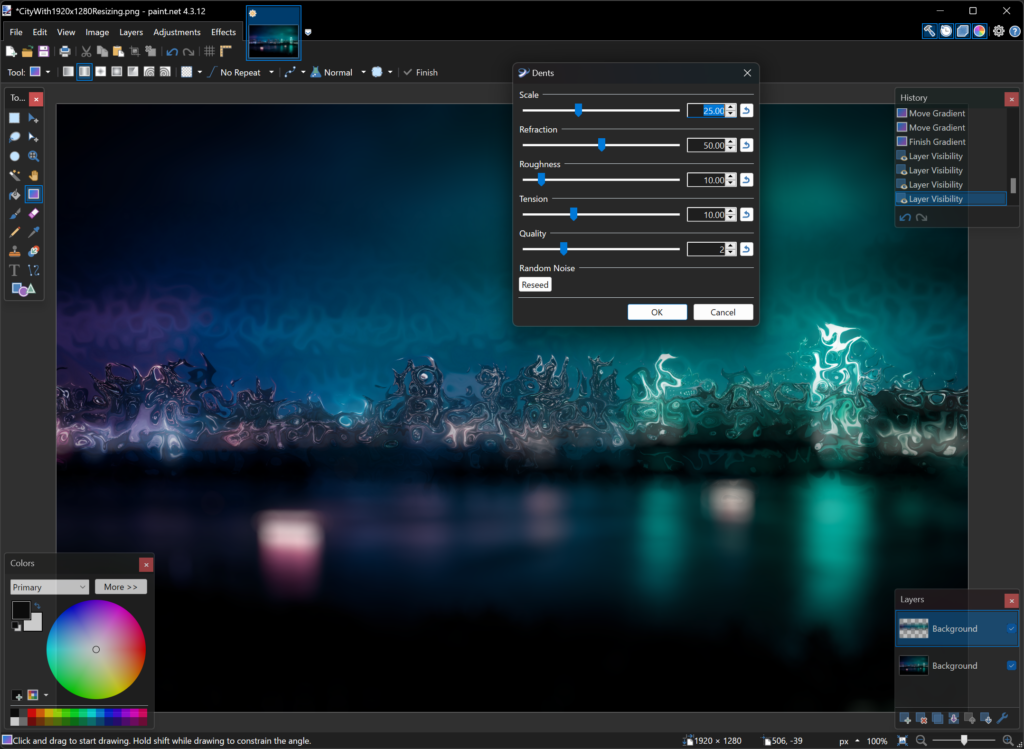
In intending to replicate but improve on the formula of stock Paint, Paint.NET presents an accessible, familiar interface. The layout is neat and every feature is organized into distinct categories. The program has a very flat learning curve, and even researchers who lack technical skills are likely to be able to navigate the application and utilise it in their work without much difficulty.
Personal Usage
Paint.NET has been a weapon in my academic arsenal for some considerable time now, and I have found it indispensable. I have the desktop version of the application on all of my personal computers and use it widely in my day-to-day work and life alike. All of the images in this presentation are created, formatted or cropped using Paint.NET. In regards to my own personal recommendation, I would suggest paint.NET to anyone as an excellent entry-point to image editing.
Performance + StabilityPaint.NET benefits from being highly optimized and well-suited for a vast array of hardware, intending to retain the widespread applicability of its MS namesake. It is able to run effectively on slower computers, while being able to leverage higher-end processors and graphics cards to accelerate bigger tasks. In my testing, while drawing over an image on Paint.NET, I recorded a CPU usage consistently in the region of ~20% on my Ryzen 5 3500U laptop. This is an early Zen-architecture based, mid-range and quad-core cpu from 2019. The application ceased to exceed use of a single core/thread.

Updates
Paint.NET is updated approximately every 2-4 months, adding new features, tweaks and bug fixes. The most recent version of the application is version 5.0.11, released on the 10th of November, 2023.
Community + Add-ons
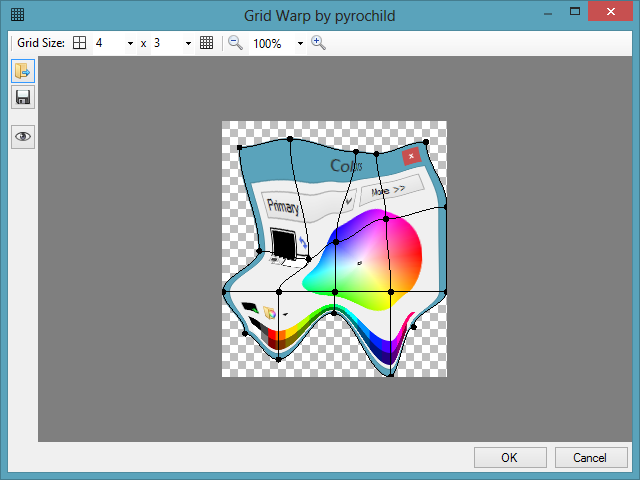
A large community of users and contributors has sprung up around Paint.NET, attracted by the generous extensibility of the software and the ability of independent developers to design and release their own plug-ins, augmenting the application with additional features. The official index records 1152 plug-ins, though many more third-party add-ons are likely to exist. This enables researchers to design and share additional features to suit their own needs, offering an intriguing route for innovative, practically experienced users to get under the hood of their tool.
Alternatives?
Paint.NET has many competitors, but although a plethora of them surpass it in capacities, many of them fail to fulfill its specific, appreciable niche.
Photoshop
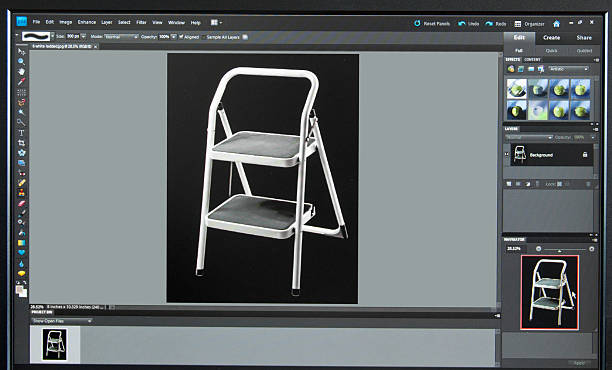
The household name of photo editors, Photoshop has a substantial professional edge over Paint.NET. Precise brushes, RAW Camera file support, CMYK color model functionality and 3D modeling integration are merely a few of the advantages of Photoshop over Paint.NET. With a greater community and range of plug-ins, it’s also easier to find tutorials and add-ons. For these reasons, Photoshop remains the preferred implement of experts and designers at the highest level. However, this comes at costs literal and logistical: The standalone version of Photoshop costs €26.86 a month and is heavily resource-intensive and overbuilt, with a steep learning curve and a difficult entry-point for beginners.
GIMP
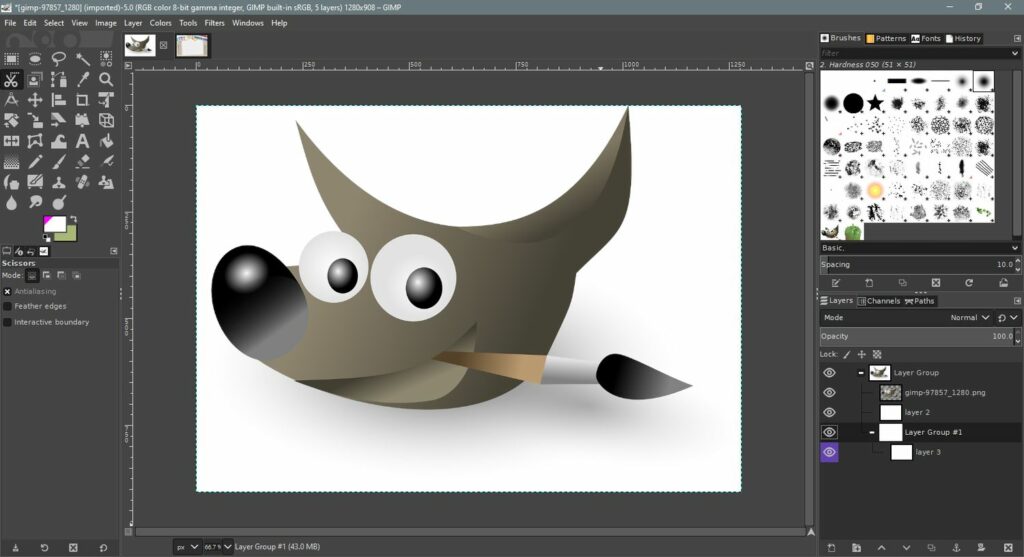
GIMP is significantly better positioned to reasonably compete with paint.NET, given it is equally free. Superior brushes, clone stamping across layers, better filters, a larger community and more plug-ins can all solidify GIMP’s case. Where it falters almost solely is in its failure to replicate paint.NET’s user-friendly interface and functionality, lacking the same ethos of approachability. Despite their many advantages, it remains dishonest to seriously compare either GIMP or Photoshop to Paint.NET, as they excel on different levels and appeal to their respective users for different reasons.
Conclusion
Paint.NET is an excellent tool and a valuable scholarly asset for researchers and enthusiasts in the field of Digital Humanities. It’s approachable and easy-to-use, as well as applicable in projects on many scales and of many varieties. Skeptics of its elegance will be hard pressed to find an alternative with the same, simply effective user-friendliness. To this end, I believe it more than justifies its presence in any battery of academic utensils.
Citations
- “Paint.NET – Free Software for Digital Photo Editing.” n.d. Getpaint.net. https://getpaint.net.
- “Paint.NET – Licensing and FAQ.” n.d. Getpaint.net. Accessed February 15, 2024. https://getpaint.net/license.html.
- kexugit. 2021. “Rick Brewster’s Blog.” Learn.microsoft.com. August 6, 2021. https://learn.microsoft.com/en-us/archive/blogs/rickbrew/.
- “Freeware Authors: Beware of ‘Backspaceware.’” 2007. Paint.net Blog. paint.net blog. December 5, 2007. https://blog.getpaint.net/2007/12/04/freeware-authors-beware-of-%E2%80%9Cbackspaceware%E2%80%9D/.
- Khaldoun A. A. Besoul, Safwan Al Salaimeh, and Khaled Batiha. 2006. “Digital Art and Design.” Leonardo Journal of Sciences 5 (9): 1–8.
- Tobin, Chase, Ziyi Wang, Lin-Ling Zhang, Michael Agresti, Prabhjot Grewal, Hani Matloub, and Ji-Geng Yan. 2013. “A New Computerized Morphometric Analysis for Peripheral Nerve Study.” Journal of Reconstructive Microsurgery 30 (02): 075–82. https://doi.org/10.1055/s-0033-1354738.
- Wang, Huibai, and Jiacong Chen. 2019. “Facial Expression Recognition Based on Feelings-Net,” October. https://doi.org/10.1109/imcec46724.2019.8984002.
- Joshi, Chinmay, Devendra Jaiswal, and Akshata Patil. 2019. “Application of Cartoon like Effects to Actual Images.” International Journal of Trend in Scientific Research and Development Volume-3 (Issue-3): 598–603. https://doi.org/10.31142/ijtsrd22928.
- “Plugins – Publishing ONLY!” 2024. Paint.net Forum. February 9, 2024. https://forums.getpaint.net/forum/7-plugins-publishing-only/.
- Mirrop, Anne. 2020. “Paint.NET vs Photoshop: Head-To-Head Comparison (2023).” Design Buckle. November 12, 2020. https://www.designbuckle.com/paint-net-vs-adobe-photoshop/.
- “GIMP vs Paint.NET: Which One Is Best? (Detailed Comparison).” 2023. February 23, 2023. https://thegimptutorials.com/gimp-vs-paint-net/.